Stable Diffusion · LoRA
Studio Ghibli Redmond LoRA
LoRA for Stable Diffusion 2.1 / SDXL that generates Studio Ghibli-style illustrations with soft painterly aesthetics. Trigger: StdGBRedmAF.
About this model
Studio Ghibli Redmond is a LoRA trained to produce images in the distinctive Studio Ghibli animation style — soft color palettes, hand-drawn textures, and fantasy scenery reminiscent of films like Spirited Away and My Neighbor Totoro.
The model was trained on a large dataset of Ghibli-style artwork. There is a discrepancy between sources: the HuggingFace model card lists the base model as SDXL 1.0 (stabilityai/stable-diffusion-xl-base-1.0), while the Civitai page identifies it as SD 2.1 (Freedom Redmond SD 2.1). The model name "2.1V" suggests SD 2.1 lineage. Users should test both base models.
Trigger words: "Studio Ghibli" and "StdGBRedmAF" (the instance prompt). Recommended LoRA weight: 0.7–1.0. The model is released under CreativeML OpenRAIL-M license with a non-commercial fan-made disclaimer — all character rights belong to Studio Ghibli.
Published November 2023 by ArtificialGuyBR with GPU compute sponsored by Redmond.AI. 561 downloads and 33 likes on Civitai; 94 downloads on HuggingFace.
Model details
| Category | Stable Diffusion |
|---|---|
| Subcategory | LoRA |
| Base model | SD 2.1 |
| Task | text-to-image |
| Hugging Face downloads | 204 |
| Civitai downloads | 590 |
| Hugging Face likes | 4 |
| Civitai likes | 33 |
| Data last synced | 2026-11-12 |
Trigger words
Studio Ghibli, StdGBRedmAF
Example outputs
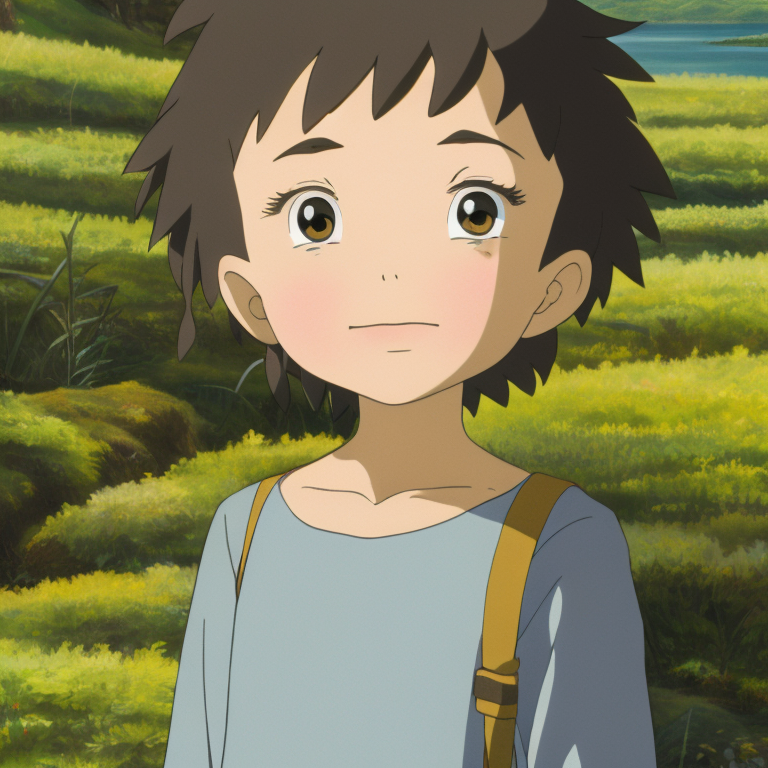

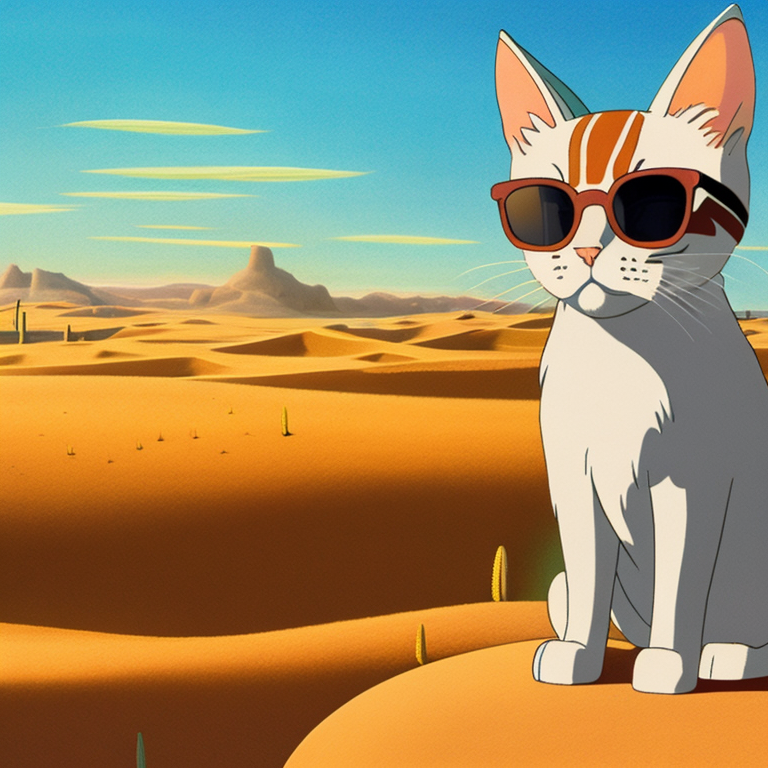

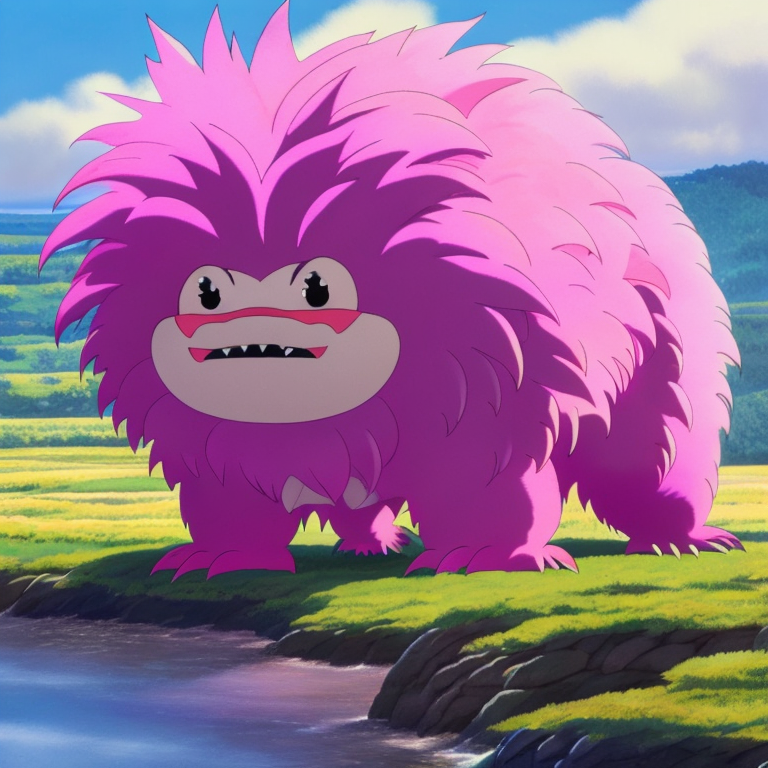
Learn more
Tags
diffusers · text-to-image · stable-diffusion · lora · base_model:stabilityai/stable-diffusion-xl-base-1.0 · base_model:adapter:stabilityai/stable-diffusion-xl-base-1.0
Explore the source
How to use it
Load the adapter with a SD 2.1 checkpoint in ComfyUI, Automatic1111 or another UI that loads LoRA files, then put the trigger words above in the positive prompt.